Today I learned how to disassemble the AMS for my 3D printer. This is the “Automatic Material System” that allows up to 4 different filaments to be used in single print (more if you daisy chain them).
The red filament got wedged solid. Well solid enough that I was not prepared to put any more force into trying to pull it out so I went searching and found how to disassemble it to clear such jams.
It turns out it was really simple, once I’d located the correct tool! It’s just 2 screws and the main assembly lifts out. This also gave me a chance to clean out the spilled desiccant beads but I did have a problem afterwards in that I’d taken out one of the active support shaft assemblies and misplaced it. It turns out I’d put it with the phone tools I’d got out while looking for the correct tool to undo the screws! This is essential for cleanly rotating the spool as the filament is fed or unloaded.
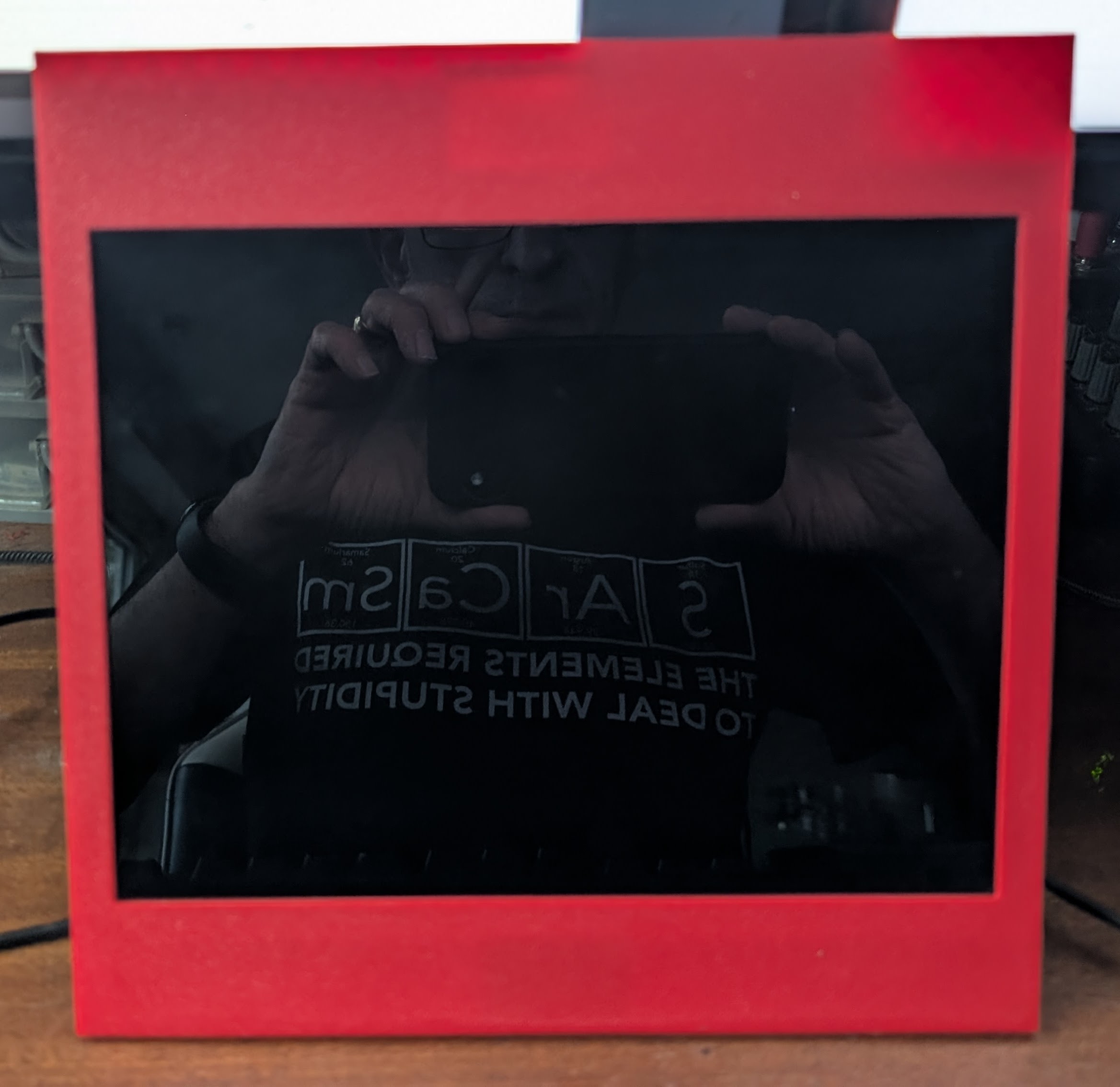
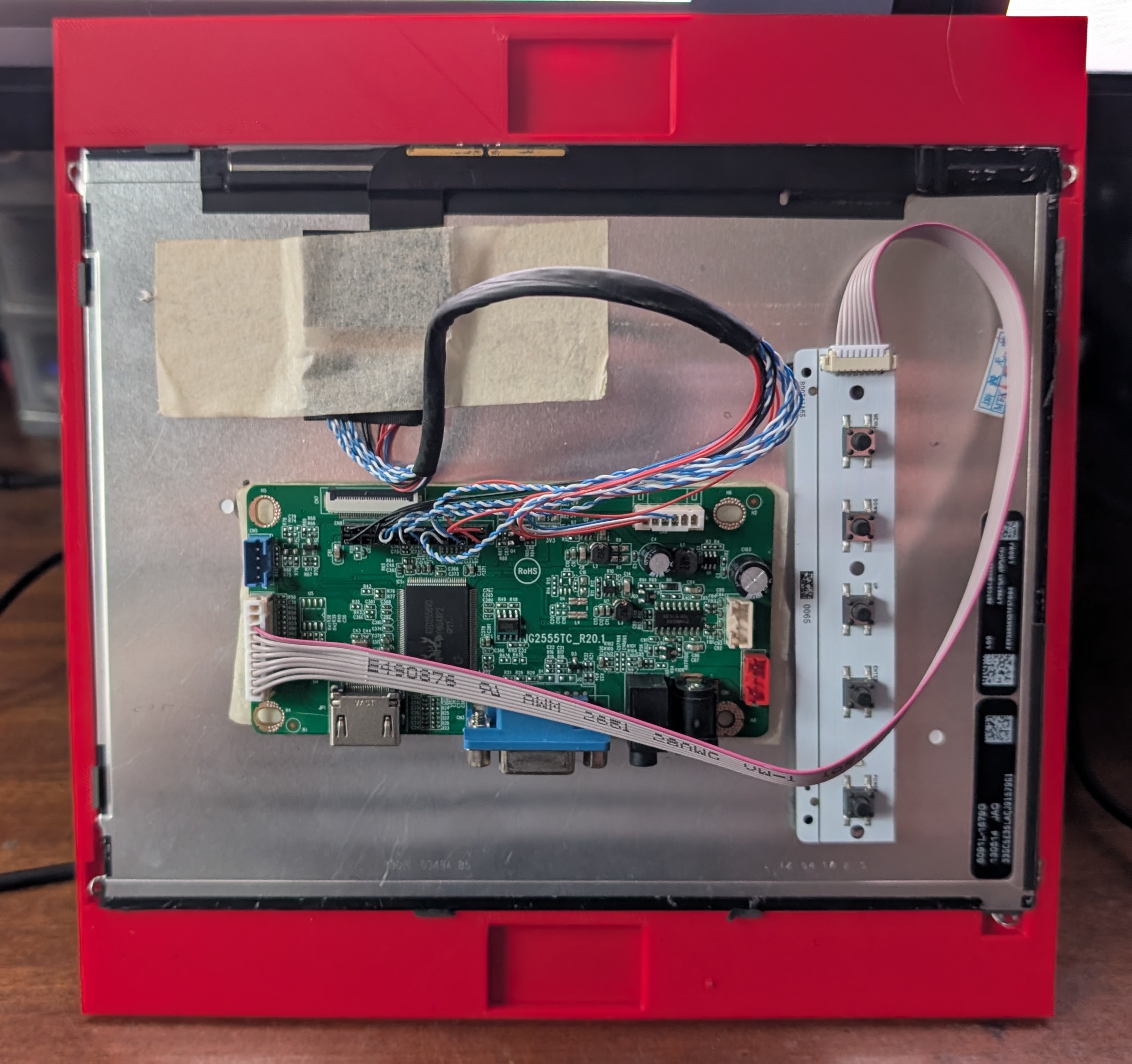
I now have a new bezel printed for my desktop arcade project. Here are two photos showing front and back. Front shows my reflection taking the photo (unavoidable) and the back shows gaps that will hold the magnets that will keep the bezel in place in the case surround. It’s designed to be square so rotatable to match game orientation. The screen is an iPad 3 screen connected to an HDMI/VGA display controller, both obtained from Ali Express.